The Problem
Planning room layouts (where to place speakers, how long cable runs, whether furniture fits) is a pain with pen and paper. Most room planning tools are either over-engineered CAD software that takes hours to learn, or oversimplified 2D drag-and-drop that can’t represent vertical space.
I needed something in between: fast enough to sketch a room in minutes, precise enough to trust the measurements, and 3D enough to reason about speaker height and cable routing.
The Approach
Room Mapper is built as a hybrid 2D/3D editor. You define room geometry from a clean orthographic top-down view, place objects with drag controls, then switch into a perspective camera to see the space as you’d actually experience it. The same scene, two lenses.
The core is React Three Fiber, declarative 3D that composes like regular React. Zustand handles all state (room dimensions, object positions, measurement points) with full undo/redo via a history stack. No prop drilling, no context hell.
2D Planning Mode
The orthographic camera gives you a precise top-down view of the room. Objects are placed and dragged on a metric grid. Each object shows its label, and the sidebar lists all placed objects with their dimensions.
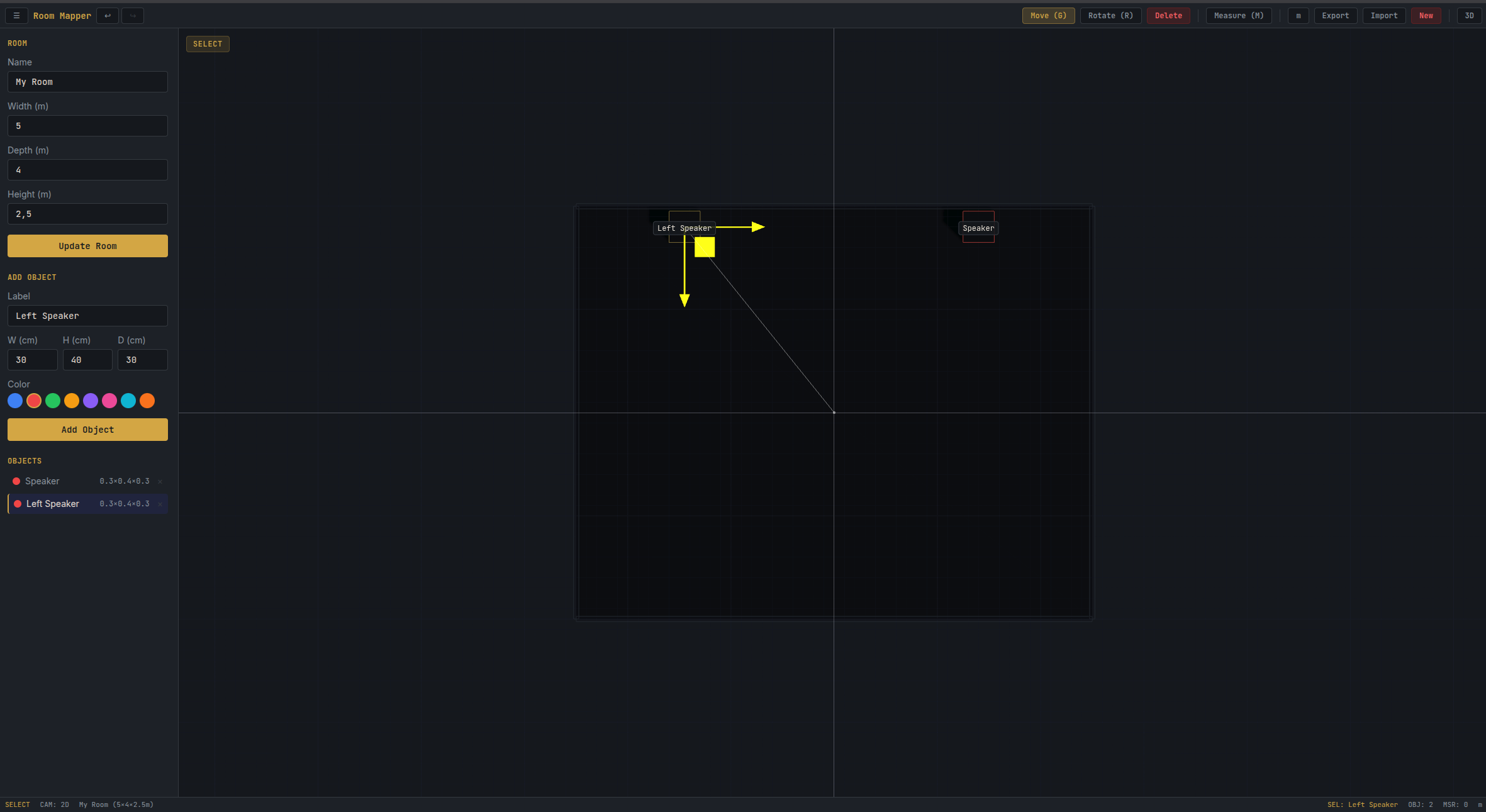
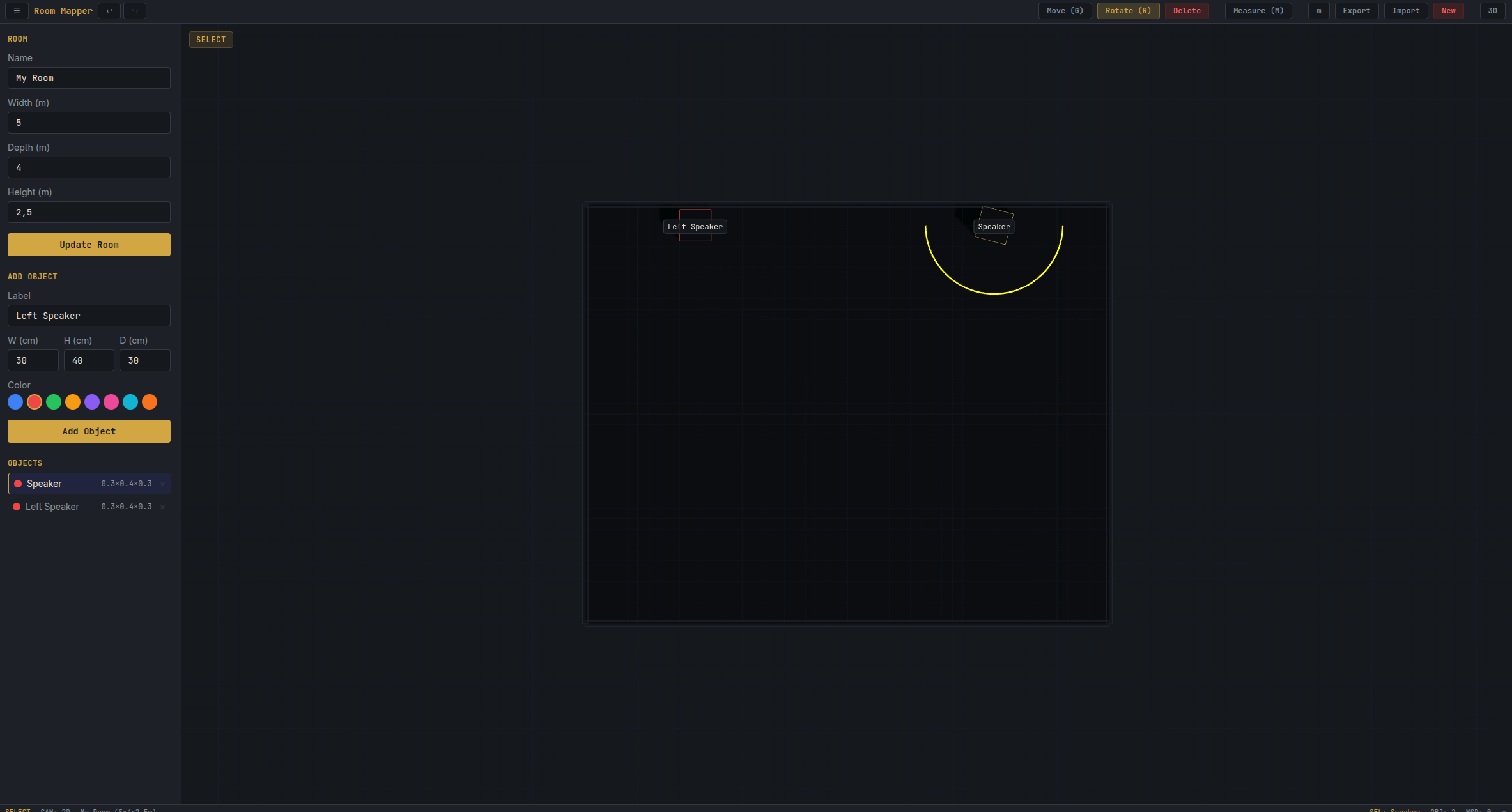
Rotation is handled in the same view. Select an object, press R, and a rotation gizmo appears. No need to switch cameras just to turn a speaker 45 degrees.
Measuring Distances
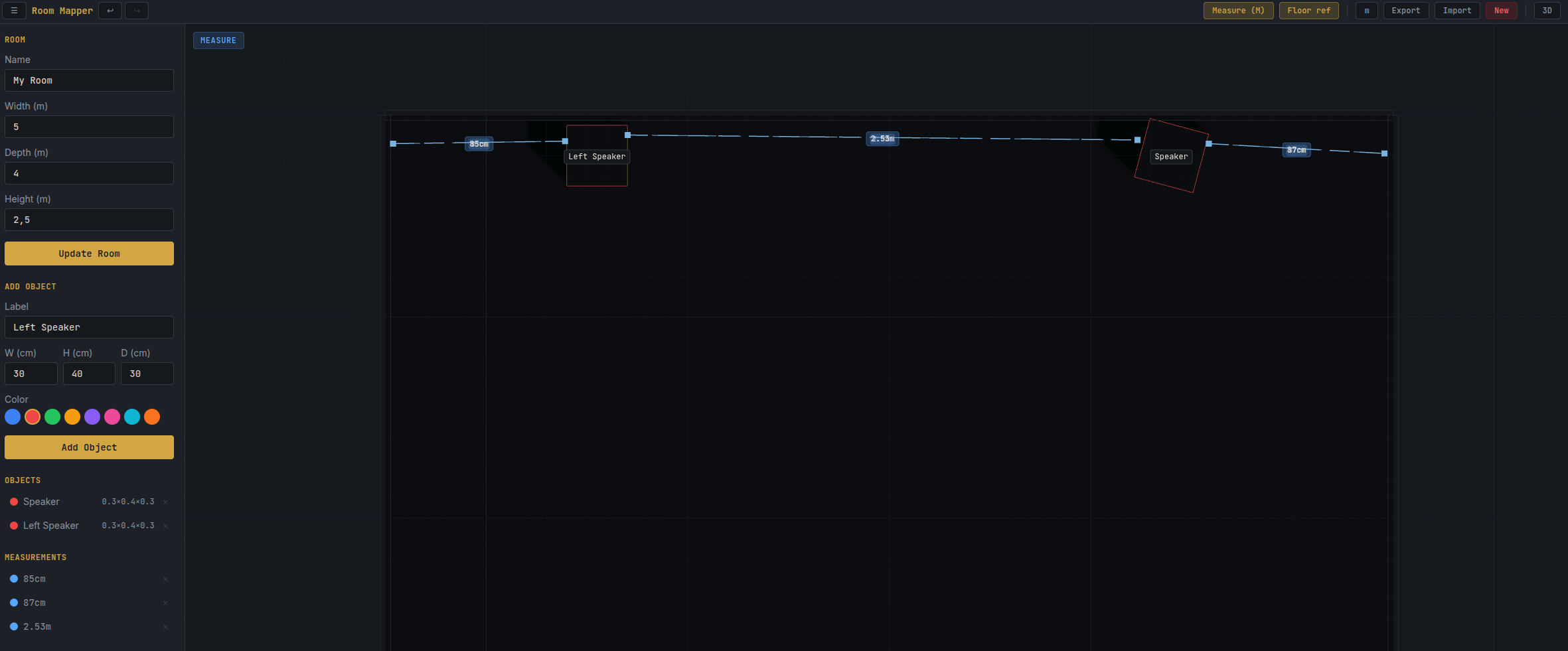
The measure tool lets you click any two points in the scene to get an exact distance. In 2D mode, measurements render as dashed cyan lines with distance labels, perfect for planning cable runs or checking speaker spacing.
3D Perspective Mode
Switch to perspective camera and the same room becomes a 3D volume you can orbit around. Measurements carry over and render as dashed lines with ground projections, showing both the direct 3D distance and the floor distance beneath it.
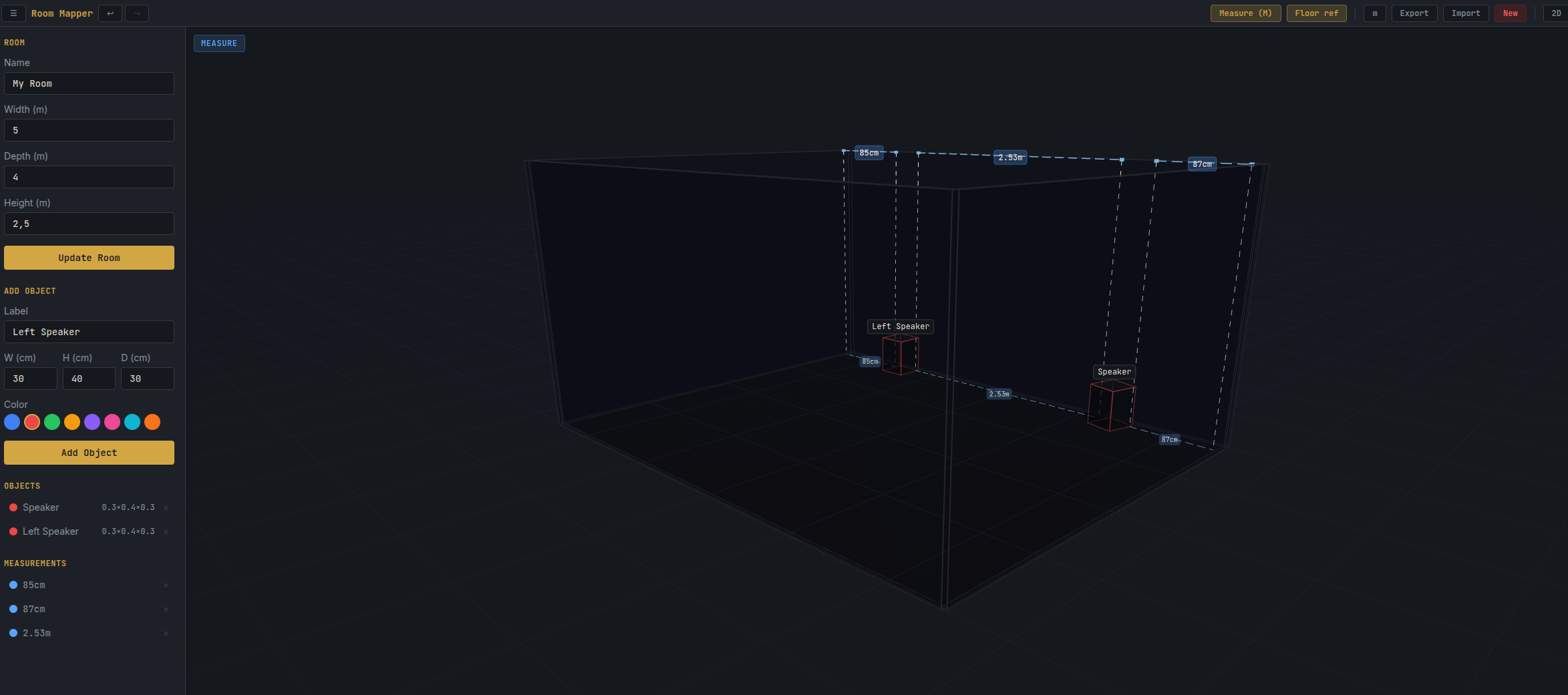
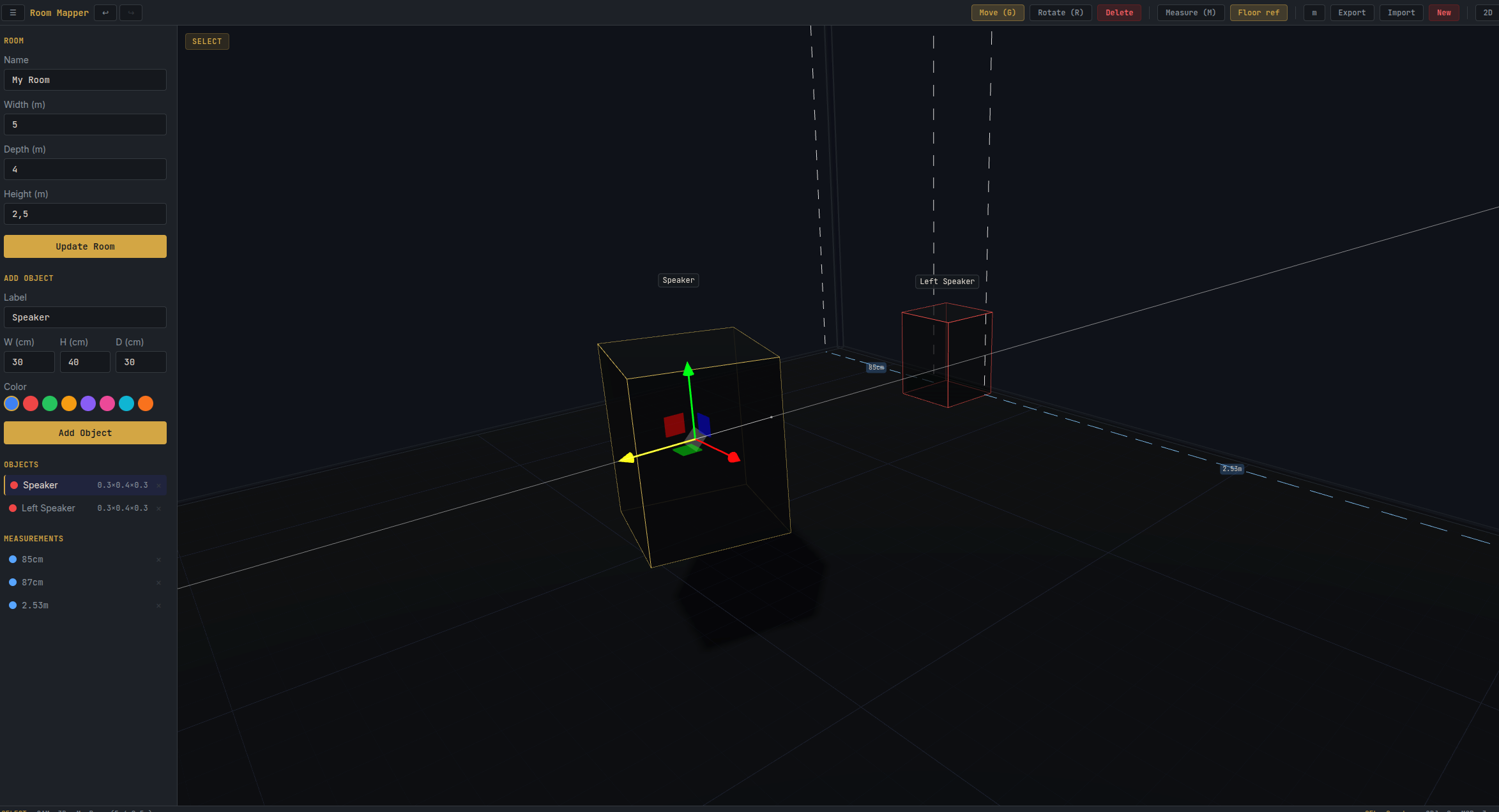
Objects in 3D use a dark wireframe style with colored edges. The selected object gets amber highlight edges and a full translate gizmo for repositioning in 3D space.
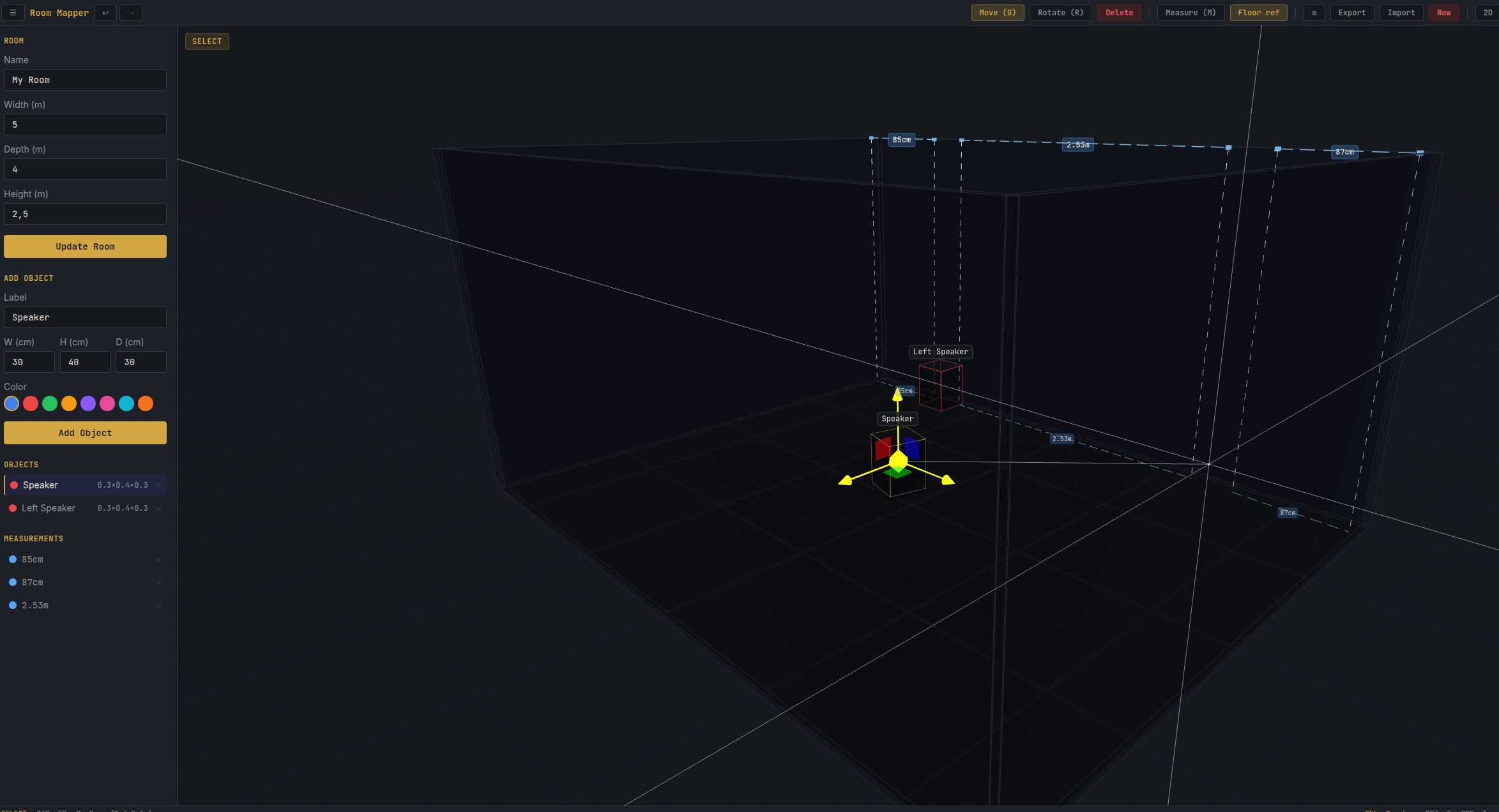
You can constrain movement to a single axis by grabbing an individual gizmo handle. Floor projections update in real-time as you drag.
What It Does
- Room geometry: Define walls by dimension. The room renders as a bounded 3D volume with a visible grid floor.
- Object placement: Add speakers, furniture, or custom objects. Drag them freely with translate/rotate gizmos.
- Distance measurement: Click any two points to get the exact distance. Ground projections show floor distances.
- Camera modes: Orthographic for precision editing, perspective for spatial understanding. Toggle freely.
- Undo/redo: Full 50-step history stack. Every action is reversible.
- Export/import: Save your room as JSON and reload it later. Share layouts between machines.
- Keyboard-driven: M for measure, G for grab, R for rotate, 2/3 for camera, Ctrl+Z for undo. No clicking through menus.
What’s Next
iPhone LiDAR integration via Apple’s RoomPlan API. Scan a physical room and import it directly. No more measuring tape.